
What is the best Descript alternative?
The best Descript alternative is BatchEdits, especially if you need bulk processing. While Descript edits one video at a time, BatchEdits allows you to edit and caption 30 videos simultaneously for just $20/month.
The Best Descript Alternative
for Bulk Video Editing
Descript edits one video at a time. BatchEdits edits 50 simultaneously. Find out why creators switch for faster workflows and simple $20/month pricing for 30 videos.
Descript vs BatchEdits: what's the difference?
Descript positions itself as "The all-in-one text-based video editor". Complex UI, performance issues on large projects, no true bulk processing. BatchEdits is a bulk video editor: upload up to 50 videos, apply one style (captions, silence removal, 9:16 cropping) and get every video back at once, for $20/month for 30 videos. You can try 3 videos free, no card needed.
7 best Descript alternatives in 2026
The best Descript alternatives in 2026 are BatchEdits for editing many videos at once, Gling for automatic rough cuts, FireCut for AI edits inside Premiere Pro or DaVinci Resolve, Kapwing and VEED for browser editing, Submagic for short-form captions, and CapCut for free editing.
- 1.
BatchEdits
Batch editingBest for: Editing many videos at once
Editing many videos at once with one saved style.
- Price
- $20/mo for 30 videos
- Free option
- 3 free videos, no card (watermarked), then a 7-day trial
- Captions, silence removal, crop to 9:16, zoom and AI clips applied to a whole batch in one run
- Works from Claude and ChatGPT through its MCP server
- Built for repeatable edits; not a timeline editor for hand-crafted, one-off videos

BatchEdits homepage · captured October 2026 - 2.
Gling
Partial batchBest for: Automatic rough cuts for YouTube
Automatic rough cuts for YouTube creators.
- Price
- $20/mo, or $10/mo billed yearly (Plus)
- Free option
- Free plan: 1 hour a month, watermark
- Removes bad takes, silences and filler words
- Exports to Final Cut Pro, DaVinci Resolve and Premiere Pro
- Aimed at long-form YouTube rough cuts; vertical resize isn't listed

Gling homepage · captured October 2026 - 3.
FireCut
One video at a timeBest for: AI edits inside Premiere Pro or Resolve
AI editing plugin inside Premiere Pro and DaVinci Resolve.
- Price
- $10/mo, or $6/mo billed yearly (Premiere Pro Starter)
- Free option
- Free DaVinci Resolve plan (silence removal); 7-day trial on paid plans
- Unlimited silence removal on every Premiere Pro plan
- Captions in 50+ languages, zoom cuts, chapters and filler-word removal
- Needs Premiere Pro or DaVinci Resolve; most AI features are capped by transcription hours

FireCut homepage · captured October 2026 - 4.
Kapwing
One video at a timeBest for: Collaborative browser editing
Collaborative browser-based editor with AI tools.
- Price
- $16/mo (Pro)
- Free option
- Free plan: watermark, 4-minute exports, 720p
- Smart Cut removes silences automatically
- Subtitles with SRT/VTT download, and a clip maker
- Free exports are watermarked and capped at 4 minutes
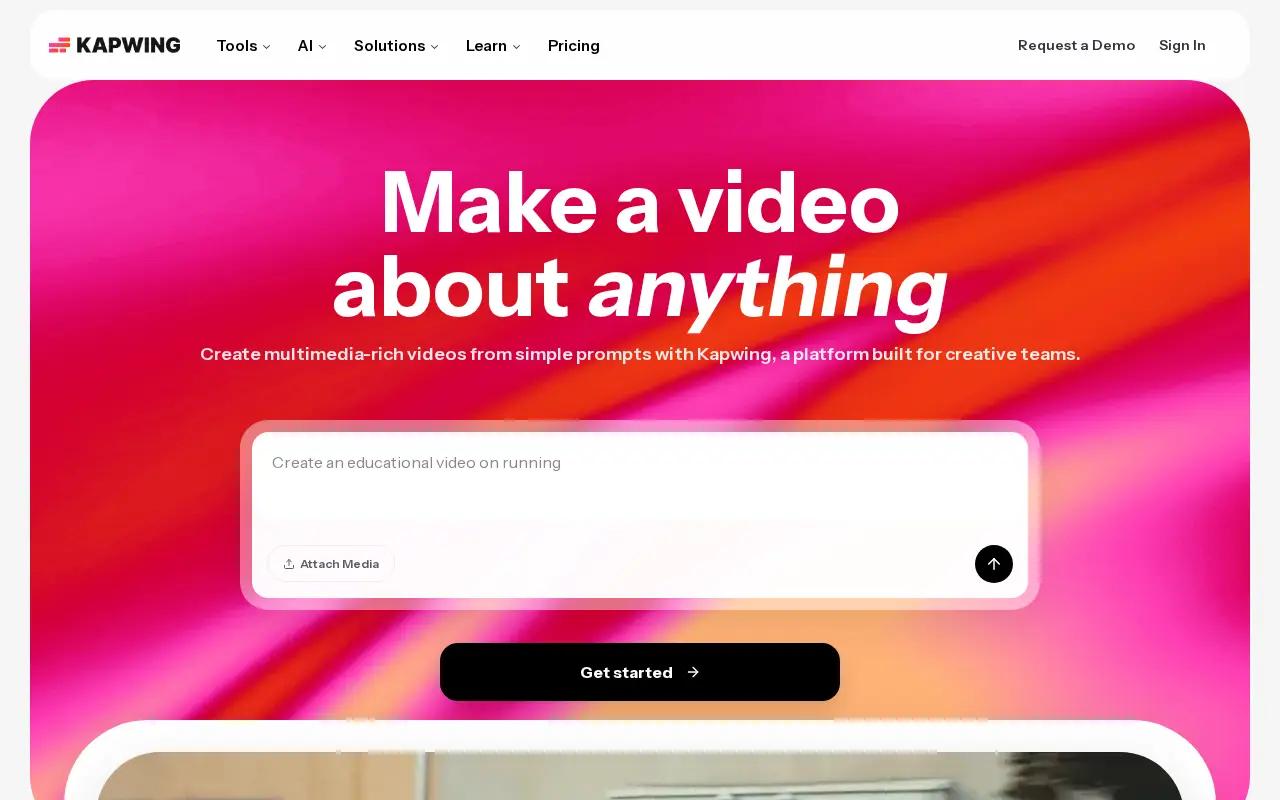
Kapwing homepage · captured October 2026 - 5.
VEED
One video at a timeBest for: Browser timeline editing
Browser-based video editor with subtitles and AI tools.
- Price
- Lite plan, priced per seat (see VEED's pricing page)
- Free option
- Free plan; exports carry a watermark
- Full timeline editor that runs in the browser
- Subtitles plus translation into 150 languages and dialects
- Priced per seat, so cost grows with each editor; no batch processing
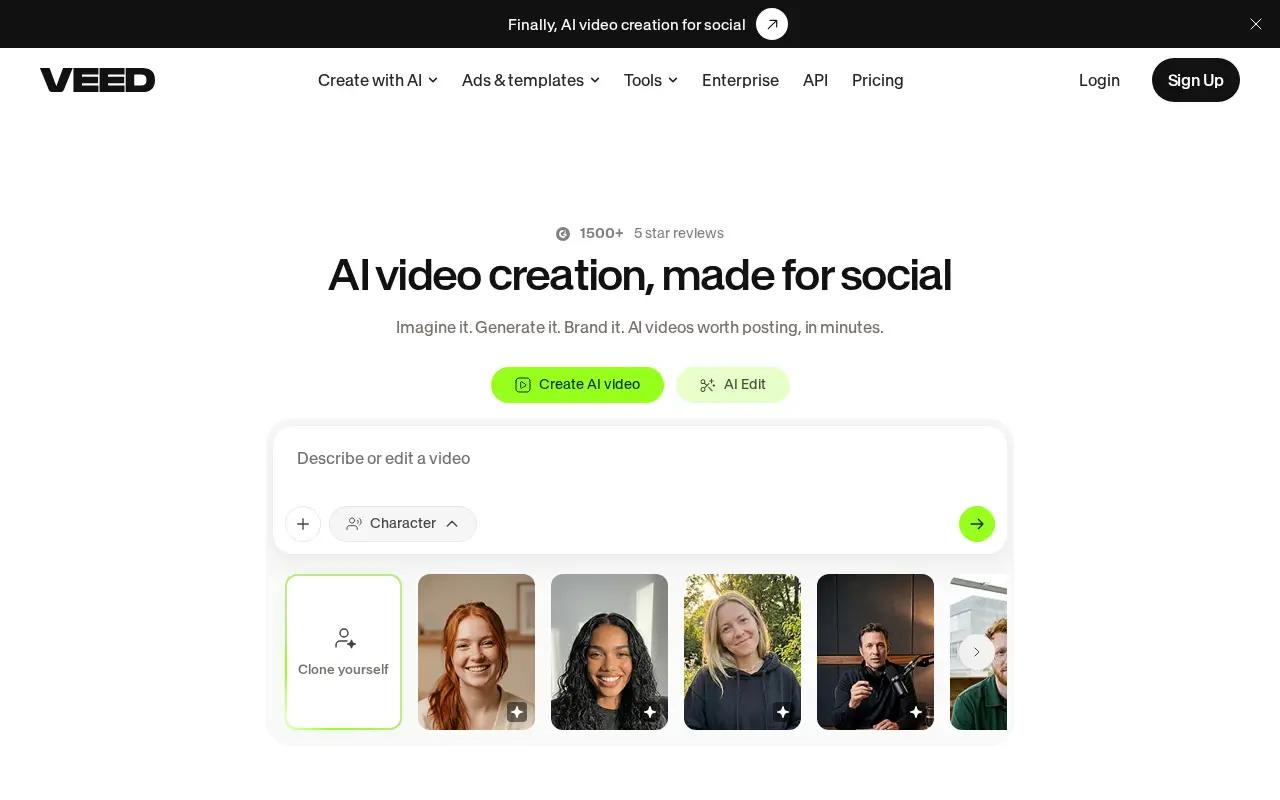
VEED homepage · captured October 2026 - 6.
Submagic
One video at a timeBest for: Animated short-form captions
AI captions and editing for short-form social videos.
- Price
- $19/mo, or $12/mo billed yearly (Starter, 15 videos)
- Free option
- Free to try, no card; no free plan listed
- Animated caption styles in 123 languages
- Magic Clips turns long videos into shorts; B-roll and key-moment finding
- Starter is 15 videos a month up to 2 minutes each; silence removal is listed on Pro and above
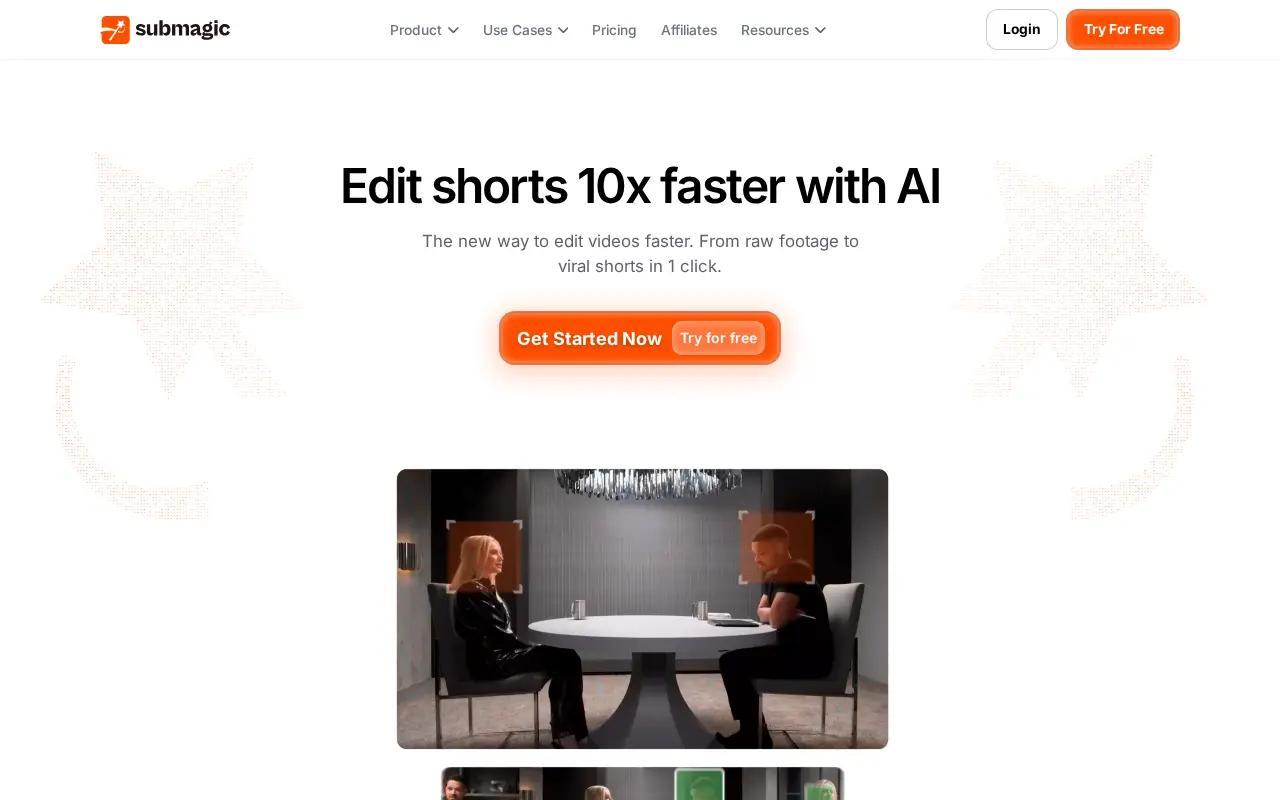
Submagic homepage · captured October 2026 - 7.
CapCut
One video at a timeBest for: Free all-round editing
General-purpose video editor for web, desktop and mobile.
- Price
- Free; Pro price varies by region
- Free option
- Free plan with basic editing tools and templates
- Available on web, desktop, mobile and tablet
- Automatic captions in multiple languages and long-to-shorts in one click
- Manual, one-video-at-a-time editing; no batch processing
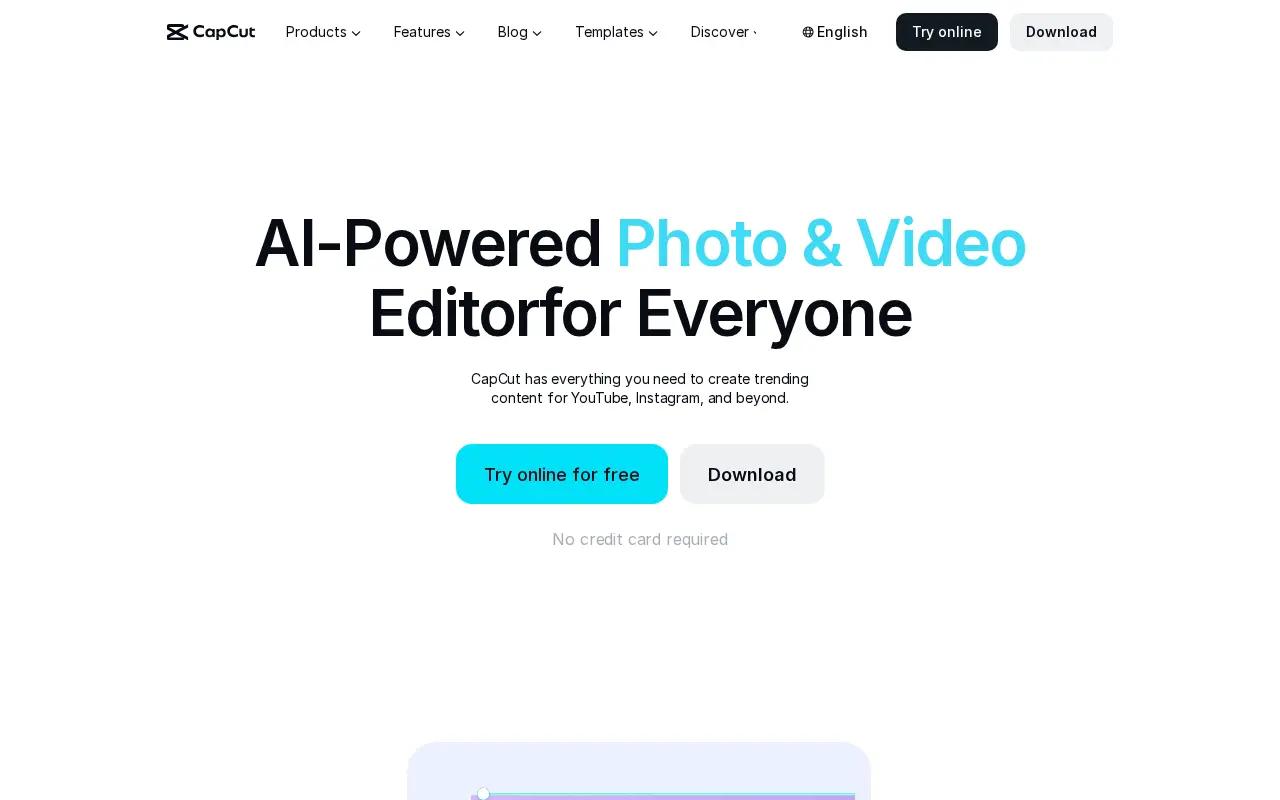
CapCut homepage · captured October 2026
| Tool | Best for | Starting price | Edits many videos at once |
|---|---|---|---|
| BatchEdits | Editing many videos at once | $20/mo for 30 videos | Yes |
| Gling | Automatic rough cuts for YouTube | $20/mo, or $10/mo billed yearly (Plus) | Partly |
| FireCut | AI edits inside Premiere Pro or Resolve | $10/mo, or $6/mo billed yearly (Premiere Pro Starter) | No |
| Kapwing | Collaborative browser editing | $16/mo (Pro) | No |
| VEED | Browser timeline editing | Lite plan, priced per seat (see VEED's pricing page) | No |
| Submagic | Animated short-form captions | $19/mo, or $12/mo billed yearly (Starter, 15 videos) | No |
| CapCut | Free all-round editing | Free; Pro price varies by region | No |
Prices and features as listed on each vendor's website in October 2026; check the vendor for current pricing. Sources: Gling, FireCut, Kapwing, VEED, Submagic, CapCut.
Descript vs BatchEdits: The Verdict
Both tools are great, but they serve completely different types of creators. Here is how to choose.
Choose Descript if you...
- You are editing a 2-hour narrative podcast.
- You need to generate AI voice clones (Overdub).
- You prefer editing video by reading text like a Word doc.
Choose BatchEdits if you...
- You are making fast-paced social media clips.
- You need to crop 20 videos to 9:16 automatically.
- You want an app that won't crash when handling bulk files.
BatchEdits vs Descript Feature Comparison
| Feature | BatchEdits | Descript |
|---|---|---|
| Bulk processing (50+ videos at once) | ||
| AI silence removal | ||
| Auto captions | ||
| 99+ languages supported | ||
| Auto zoom | Partial | |
| Crop for all platforms | ||
| MCP server / AI agents | ||
| 30 videos for $20/month | ||
| Free trial | ||
| Web based (no install) | ||
| Starting Price | $20/month 30 videos included | $24 per month |
Descript vs BatchEdits: Pros & Cons
An honest look at what each platform does best, and where they fall short.
Descript
Pros
- Revolutionary text-based editing timeline
- Studio Sound feature is industry-leading
- Great for long-form narrative podcasts
Cons
- Bloated interface with a steep learning curve
- Performance and crashing issues on larger projects
- Strict AI credit limits on lower tiers
BatchEdits
Pros
- Process up to 50 videos concurrently
- 30 videos for just $20/month
- Local processing prevents server queues and lags
- MCP Server integration for AI agents (Cursor, Claude)
Cons
- No complex timeline editing for long-form narrative
- No mobile app (desktop browser required)
Why creators look for Descript alternatives
Based on real feedback from creators on Reddit and community forums.
"The app is so slow and prone to crashing."
Long-term Descript users frequently complain about the app buffering, stalling, or crashing when handling multiple or large files.
BatchEdits is built from the ground up to handle massive batches of 50+ videos without breaking a sweat.
"They keep changing the UI and making it worse."
Users express annoyance that frequent updates move essential features around, making the learning curve unnecessarily steep.
BatchEdits keeps it simple. Upload, select your bulk edits, and process. No complex timelines to manage.
"The credit system is a rip-off."
Descript's shift to AI credits means users often run out of processing power mid-month, forcing expensive upgrades.
BatchEdits offers 30 videos for a flat $20/month. No surprise credit limits.
Why BatchEdits wins for bulk editing
Built from the ground up for high-volume creators.
Bulk Processing
Upload 50 videos at once. Apply captions, zoom, crop, and silence removal to all of them. Get them all back edited simultaneously.
Simple Pricing
Just $20/month for 30 videos. Cancel anytime. No subscription traps. No hidden fees.
AI Agent Ready
Connect to Claude, Cursor, or Windsurf via our MCP server. Edit folders full of videos using simple natural language prompts.
Stop paying monthly for Descript
Subscriptions drain your wallet. Get 30 videos for $20/month with BatchEdits.
- You lose access if you stop paying
- Strict monthly usage limits
- Cost goes up every year
- Simple $20/month flat pricing
- Process 30 videos every month
- Saves you $48 vs Descript in year 1
Got Questions? We've Got Answers.
Is BatchEdits better than Descript?
Yes, if you need to process videos in bulk. While Descript is designed for editing one video at a time, BatchEdits allows you to upload, edit, and export 50+ videos simultaneously. Plus, BatchEdits offers 30 videos for just $20/month compared to Descript's $24/month subscription.
What is the best Descript alternative?
BatchEdits is the best alternative to Descript for high-volume creators. It replaces the slow, single-video workflow with a bulk processing engine that applies captions, silence removal, and crops to entire batches of videos at once.
How much does Descript cost vs BatchEdits?
Descript costs around $24 per month (or $288 per year). BatchEdits costs just $20/month for 30 videos.
Does Descript support bulk video editing?
No, Descript forces you to edit videos individually. BatchEdits was built specifically for bulk, allowing you to process 50 videos concurrently.
Can BatchEdits replace Descript?
Yes. BatchEdits provides the essential tools creators use Descript for—auto-captions, silence removal, and auto-cropping—but applies them across multiple videos simultaneously.
What does Descript do that BatchEdits doesn't?
Descript's main focus is the all-in-one text-based video editor. It may have highly specific single-video features or complex timeline editing tools. BatchEdits focuses purely on speed and bulk processing for standard formatting needs.
Is BatchEdits cheaper than Descript?
Yes. Switching from Descript to BatchEdits can save you hundreds of dollars since BatchEdits provides 30 videos for just $20/month.
Does BatchEdits have a free trial?
Yes, BatchEdits offers 3 free videos to test the platform. No credit card is required to try it out.
Ready to 50x Your Video Production?
Edit dozens of videos at once with AI batch processing — and get your weeks back.
- $0 today, 7-day free trial
- Cancel anytime