
Best Video Editor for Content Agencies: Editing Client Videos at Scale
The best video editor for a content agency depends on the work: Premiere Pro or DaVinci Resolve for crafted, one-off edits, and a batch editor like BatchEdits for the repeatable short-form work that fills most agency calendars. Most agencies get the best results using both: the timeline editor for hero content, the batch editor for the weekly volume.
If your team spends its hours adding the same captions, cutting the same pauses and cropping the same 9:16 frames for every client, that repetition is what a batch editor removes.
What agencies actually need from a video editor
Agency video work is different from a solo creator's. Before picking a tool, check it against these:
- One saved look per client. Each brand has its own fonts, caption colours, crop and pacing, and every video for that client should match.
- Volume without more editors. Ten clients posting four short videos a week is 160 videos a month.
- Separate client work. Videos for each client kept apart, so nothing goes to the wrong brand.
- Fast turnaround on revisions. Fixing a caption typo shouldn't mean re-exporting from a timeline.
- Predictable cost per video. You need to know what a client's monthly volume costs you before you quote it.
Timeline editors vs batch editors
| Premiere Pro / DaVinci Resolve | BatchEdits | |
|---|---|---|
| Best for | Ads, brand films, anything edited by hand | Repeatable short-form edits at volume |
| How you edit 50 videos | One timeline each (or templates you apply by hand) | Upload the batch, apply the client's saved style |
| Captions | Plugins or built-in transcription, styled per video | Auto captions in 99+ languages with the saved style |
| Silence removal | Manual cuts or plugins | Automatic, with an adjustable threshold |
| Vertical crop | Auto Reframe (Premiere) per sequence | Crop to ratio for the whole batch |
| Learning curve | Weeks to master | Minutes |
| Hand-off to an editor | Native | Export XML to Premiere Pro or DaVinci Resolve |
The two work together: batch-edit the volume in BatchEdits, then send any video that needs extra polish to Premiere Pro or DaVinci Resolve with the XML export.
An agency workflow that scales with BatchEdits
- Create one style per client. Save their caption font and colours, silence threshold, crop (9:16 for Shorts and Reels) and zoom settings. Name it after the client.
- Use a folder per client. Keep each client's uploads and finished videos in their own folder on the dashboard.
- Upload the week's raw clips for a client and apply their style. Every video comes back captioned, trimmed and cropped in the same look.
- Turn podcasts and webinars into clips. For clients with long-form content, AI clips finds the strongest moments and cuts them into Shorts, each with the client's style applied.
- Review and fix. Correct any caption word in the caption editor, then download the folder.
- Polish the hero pieces in Premiere Pro or DaVinci Resolve using the XML export.
You can also run the whole flow from Claude or ChatGPT through the BatchEdits MCP server: "caption and crop this week's uploads for Client A with their style".
How to price agency video work with a batch editor
Work out your cost per video before quoting. On the Creator Starter plan, BatchEdits costs $20 a month for 30 videos, about $0.67 per video; check the pricing page for current plans. Compare that with an editor's time: even 10 minutes per short video at $30 an hour is $5 per video, before revisions.
Got Questions? We've Got Answers.
Is Premiere Pro or DaVinci Resolve better for agencies?
Both are excellent for hand-crafted edits. DaVinci Resolve has a capable free version; Premiere Pro fits teams already on Adobe. Neither is built to apply one look to dozens of short videos at once, which is where a batch editor saves the most time.
Can I keep each client's style separate?
Yes. In BatchEdits each client gets their own saved style and their own folder, so every batch for that client comes out in their look.
Can clients edit captions themselves?
The caption editor lets anyone with access to the account correct words before export. For client approvals, share the finished video and make fixes in the caption editor.
How do I try it with a client's videos?
Edit 3 videos free, no card needed, then start the 7-day trial for 7 more.
Keep reading
How to Crop Multiple Videos to Vertical (9:16) at Once
To crop many videos to vertical at once, use a tool that applies one crop setting to a whole batch and fits it to each video's size. In BatchEdits you...
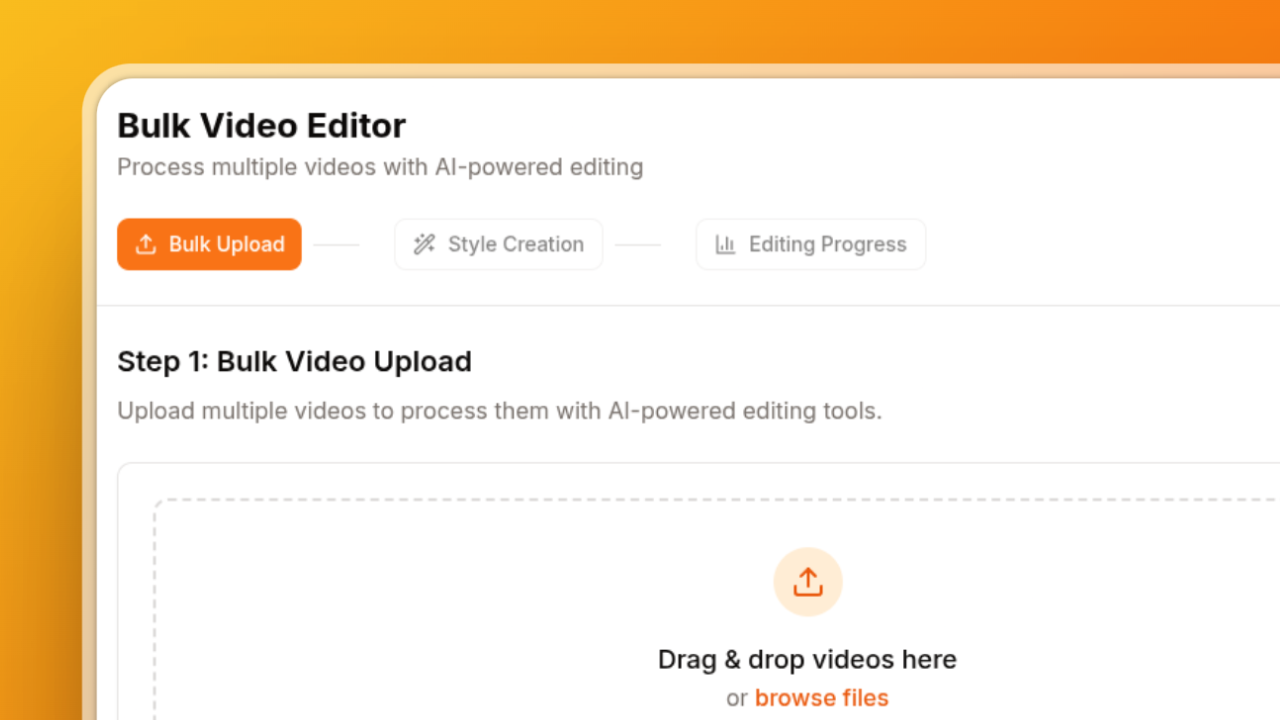
Batch Video Editing: What to Look For in a Bulk Video Editor (Features, Limits, Pricing)
Batch video editing means applying the same edits to many videos in one pass instead of opening each file in an editor. If you post short-form video e...