
What is the best Klap alternative?
The best Klap alternative is BatchEdits, especially if you need bulk processing. While Klap edits one video at a time, BatchEdits allows you to edit and caption 30 videos simultaneously for just $20/month.
The Best Klap Alternative
for Bulk Video Editing
Klap edits one video at a time. BatchEdits edits 50 simultaneously. Find out why creators switch for faster workflows and simple $20/month pricing for 30 videos.
Klap vs BatchEdits: what's the difference?
Klap positions itself as "Turn long videos into vertical shorts". Clipping only. No silence removal or batch editing of your own clips. BatchEdits is a bulk video editor: upload up to 50 videos, apply one style (captions, silence removal, 9:16 cropping) and get every video back at once, for $20/month for 30 videos. You can try 3 videos free, no card needed.
6 best Klap alternatives in 2026
The best Klap alternatives in 2026 are BatchEdits for turning many long videos into captioned clips in one run, OpusClip and Vizard for one-click clipping, Submagic for clips with animated captions, Captions for mobile editing, and CapCut for free editing.
- 1.
BatchEdits
Batch editingBest for: AI clips from many long videos at once
Editing many videos at once with one saved style.
- Price
- $20/mo for 30 videos
- Free option
- 3 free videos, no card (watermarked), then a 7-day trial
- Captions, silence removal, crop to 9:16, zoom and AI clips applied to a whole batch in one run
- Works from Claude and ChatGPT through its MCP server
- Built for repeatable edits; not a timeline editor for hand-crafted, one-off videos
- 2.
OpusClip
Partial batchBest for: AI clipping with reframing
AI clipping of long videos into shorts.
- Price
- $15/mo (Starter)
- Free option
- Free plan: 60 processing minutes a month, watermark
- ClipAnything finds clips in any genre of video
- ReframeAnything resizes for any platform with object tracking
- Starter exports 9:16 only; pause and filler removal is paid
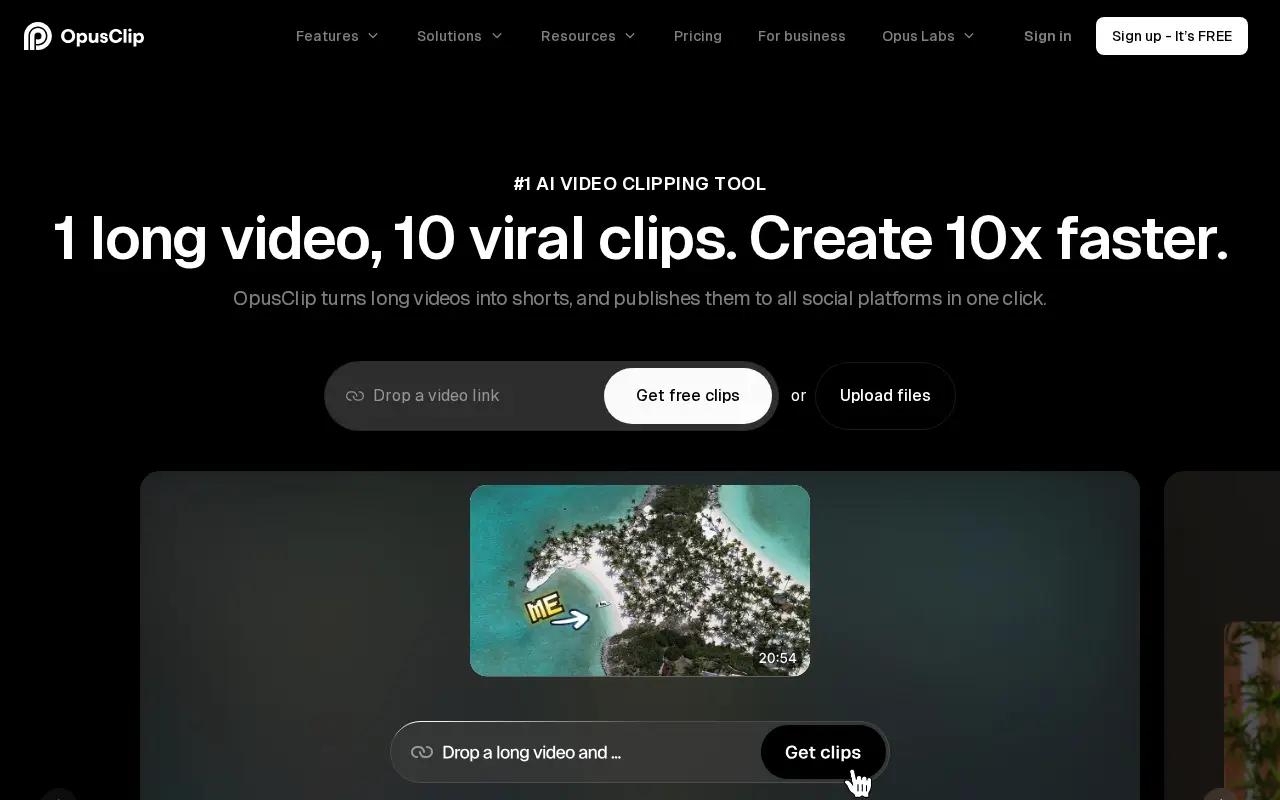
OpusClip homepage · captured October 2026 - 3.
Vizard
One video at a timeBest for: One-click clips with auto reframe
AI clipping of long videos into shorts.
- Price
- Creator plan (see Vizard's pricing page)
- Free option
- Free plan: 60 credits a month, 720p, watermark
- Turns one long video into 30+ clips in one click
- Auto reframe to vertical; captions translated into 100+ languages
- Free exports are 720p, watermarked and kept for 3 days

Vizard homepage · captured October 2026 - 4.
Submagic
One video at a timeBest for: Clips with animated captions
AI captions and editing for short-form social videos.
- Price
- $19/mo, or $12/mo billed yearly (Starter, 15 videos)
- Free option
- Free to try, no card; no free plan listed
- Animated caption styles in 123 languages
- Magic Clips turns long videos into shorts; B-roll and key-moment finding
- Starter is 15 videos a month up to 2 minutes each; silence removal is listed on Pro and above
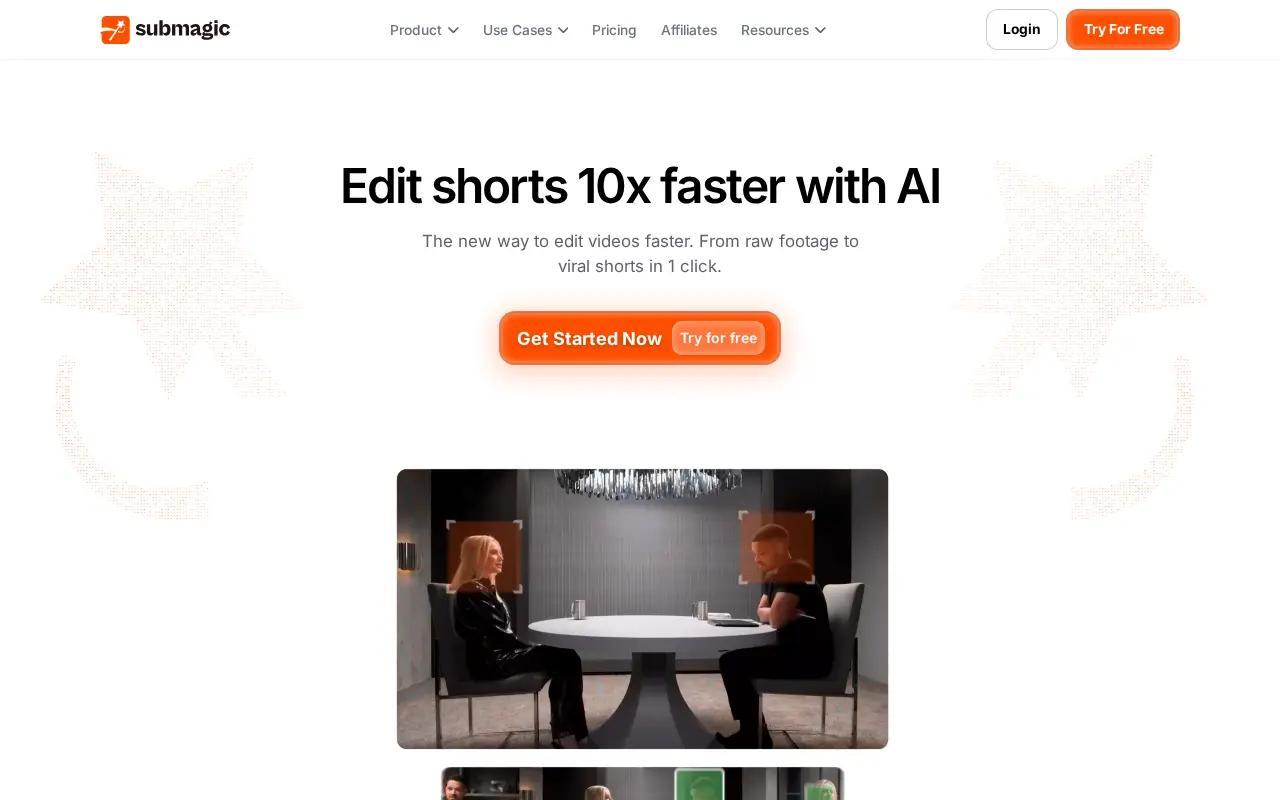
Submagic homepage · captured October 2026 - 5.
Captions
One video at a timeBest for: Editing on your phone
Mobile-first AI editor for talking-head videos.
- Price
- $24.99/mo (Max, iOS pricing)
- Free option
- Free plan with basic tools and no AI credits
- Stylized auto captions in 100+ languages
- Removes pauses, filler words and interruptions
- Credit-based; published pricing covers iOS only
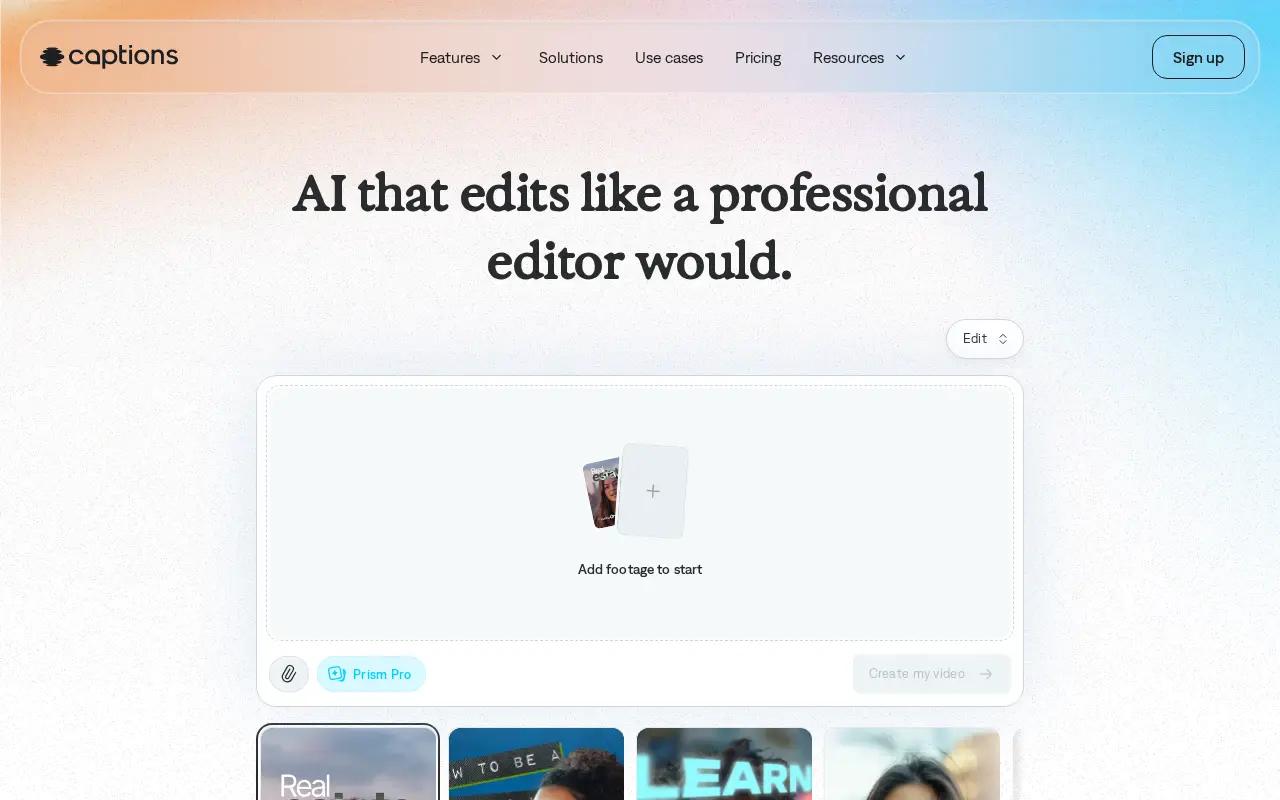
Captions homepage · captured October 2026 - 6.
CapCut
One video at a timeBest for: Free all-round editing
General-purpose video editor for web, desktop and mobile.
- Price
- Free; Pro price varies by region
- Free option
- Free plan with basic editing tools and templates
- Available on web, desktop, mobile and tablet
- Automatic captions in multiple languages and long-to-shorts in one click
- Manual, one-video-at-a-time editing; no batch processing
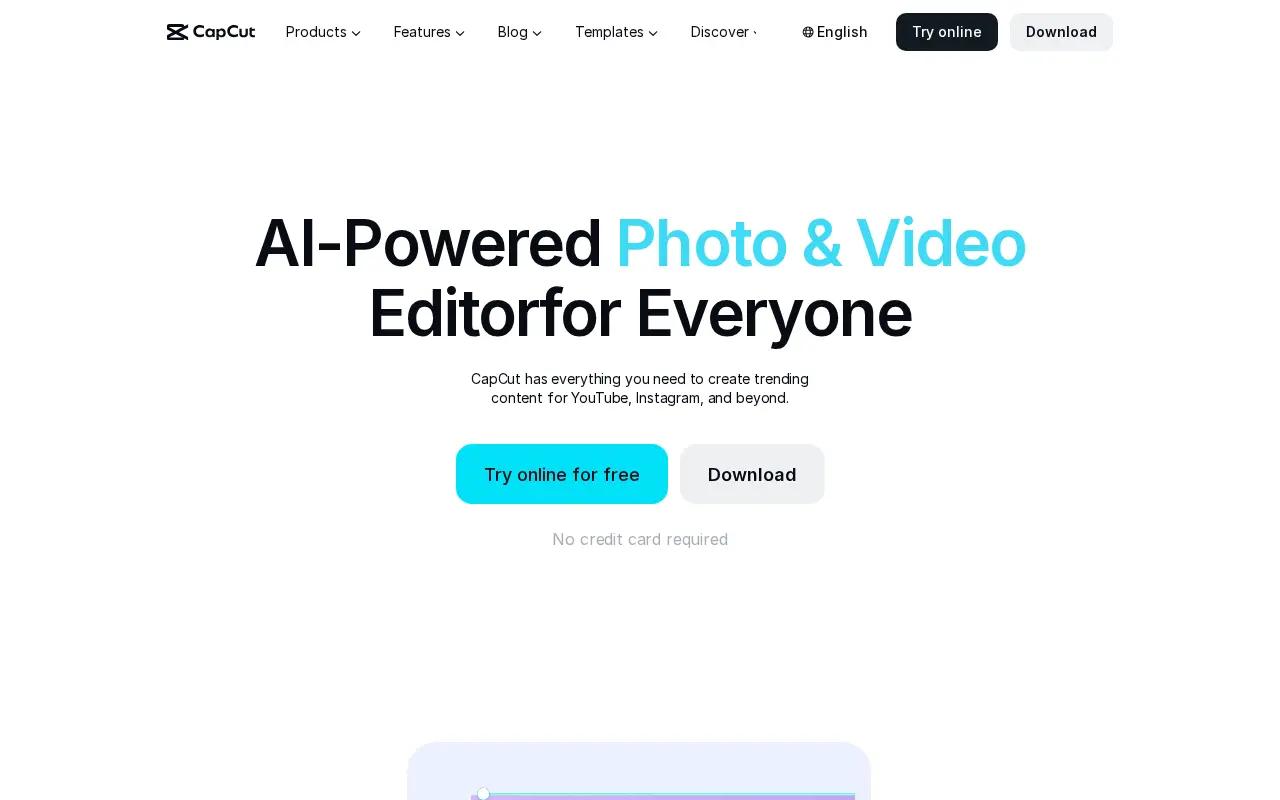
CapCut homepage · captured October 2026
| Tool | Best for | Starting price | Edits many videos at once |
|---|---|---|---|
| BatchEdits | AI clips from many long videos at once | $20/mo for 30 videos | Yes |
| OpusClip | AI clipping with reframing | $15/mo (Starter) | Partly |
| Vizard | One-click clips with auto reframe | Creator plan (see Vizard's pricing page) | No |
| Submagic | Clips with animated captions | $19/mo, or $12/mo billed yearly (Starter, 15 videos) | No |
| Captions | Editing on your phone | $24.99/mo (Max, iOS pricing) | No |
| CapCut | Free all-round editing | Free; Pro price varies by region | No |
Prices and features as listed on each vendor's website in October 2026; check the vendor for current pricing. Sources: OpusClip, Vizard, Submagic, Captions, CapCut.
Klap vs BatchEdits: The Verdict
Both tools are great, but they serve completely different types of creators. Here is how to choose.
Choose Klap if you...
- You only need clips from long videos, nothing else.
- You want the simplest one-click clipping.
- You post the clips straight to social accounts from the app.
Choose BatchEdits if you...
- You want clips from several long videos in one run.
- You want silence removal and your own caption style on every clip.
- You also edit short videos that aren't clips.
BatchEdits vs Klap Feature Comparison
| Feature | BatchEdits | Klap |
|---|---|---|
| Bulk processing (50+ videos at once) | ||
| AI silence removal | ||
| Auto captions | Partial | |
| 99+ languages supported | Partial | |
| Auto zoom | Partial | |
| Crop for all platforms | Partial | |
| MCP server / AI agents | ||
| 30 videos for $20/month | ||
| Free trial | ||
| Web based (no install) | ||
| Starting Price | $20/month 30 videos included | $14 per month |
Klap vs BatchEdits: Pros & Cons
An honest look at what each platform does best, and where they fall short.
Klap
Pros
- One-click clipping to vertical
- Auto reframing keeps the subject in frame
- 1 free video with no card
Cons
- Focused only on clipping
- Silence removal isn't listed
- Monthly-billed price isn't shown on the pricing page
BatchEdits
Pros
- Process up to 50 videos concurrently
- 30 videos for just $20/month
- Local processing prevents server queues and lags
- MCP Server integration for AI agents (Cursor, Claude)
Cons
- No complex timeline editing for long-form narrative
- No mobile app (desktop browser required)
Why BatchEdits wins for bulk editing
Built from the ground up for high-volume creators.
Bulk Processing
Upload 50 videos at once. Apply captions, zoom, crop, and silence removal to all of them. Get them all back edited simultaneously.
Simple Pricing
Just $20/month for 30 videos. Cancel anytime. No subscription traps. No hidden fees.
AI Agent Ready
Connect to Claude, Cursor, or Windsurf via our MCP server. Edit folders full of videos using simple natural language prompts.
Stop paying monthly for Klap
Subscriptions drain your wallet. Get 30 videos for $20/month with BatchEdits.
- You lose access if you stop paying
- Strict monthly usage limits
- Cost goes up every year
- Simple $20/month flat pricing
- Process 30 videos every month
Got Questions? We've Got Answers.
Is BatchEdits better than Klap?
Yes, if you need to process videos in bulk. While Klap is designed for editing one video at a time, BatchEdits allows you to upload, edit, and export 50+ videos simultaneously. Plus, BatchEdits offers 30 videos for just $20/month compared to Klap's $14/month subscription.
What is the best Klap alternative?
BatchEdits is the best alternative to Klap for high-volume creators. It replaces the slow, single-video workflow with a bulk processing engine that applies captions, silence removal, and crops to entire batches of videos at once.
How much does Klap cost vs BatchEdits?
Klap costs around $14 per month (or $168 per year). BatchEdits costs just $20/month for 30 videos.
Does Klap support bulk video editing?
No, Klap forces you to edit videos individually. BatchEdits was built specifically for bulk, allowing you to process 50 videos concurrently.
Can BatchEdits replace Klap?
Yes. BatchEdits provides the essential tools creators use Klap for—auto-captions, silence removal, and auto-cropping—but applies them across multiple videos simultaneously.
What does Klap do that BatchEdits doesn't?
Klap's main focus is turn long videos into vertical shorts. It may have highly specific single-video features or complex timeline editing tools. BatchEdits focuses purely on speed and bulk processing for standard formatting needs.
Is BatchEdits cheaper than Klap?
Yes. Switching from Klap to BatchEdits can save you hundreds of dollars since BatchEdits provides 30 videos for just $20/month.
Does BatchEdits have a free trial?
Yes, BatchEdits offers 3 free videos to test the platform. No credit card is required to try it out.
Ready to 0x Your Video Production?
Edit dozens of videos at once with AI batch processing — and get your weeks back.